How to Make a Logo Design: Free Options, Tools, and Next Steps
Learn how to make a logo design free, find inspiration, and pick the right software—from Microsoft Word to Illustrator and Photoshop.

Start here: pick a simple logo path that you can finish
If you want to learn how to make a logo design without hiring a designer, choose a path that ends with a usable file set in a day or two. The fastest “first logo” approach is a wordmark or simple icon paired with a clear type choice - because you can create, test, and iterate quickly without needing advanced illustration skills.
Begin by writing a one-sentence description of what the logo must communicate (for example: “friendly and trustworthy plumbing service for homeowners”). Then translate that into constraints: 1–2 colors, 1 icon style (or none), and 2 font styles max. Those constraints prevent the common failure mode where logos become detailed but unreadable at small sizes.
Finally, decide where you’ll build it. Many people ask how can i make logo design at home, and the answer depends on device and comfort. Word and mobile tools are good for drafts; Adobe Illustrator and Adobe Photoshop help when you need cleaner vector or better control over graphics.
- Goal: a logo you can use on a website header and social profile
- Output: PNG for previews + PDF/SVG or editable master files if possible
- Timebox: 2 hours for concept, 1 hour for refinement, 30 minutes for testing
How to get inspiration for a logo design (without copying)
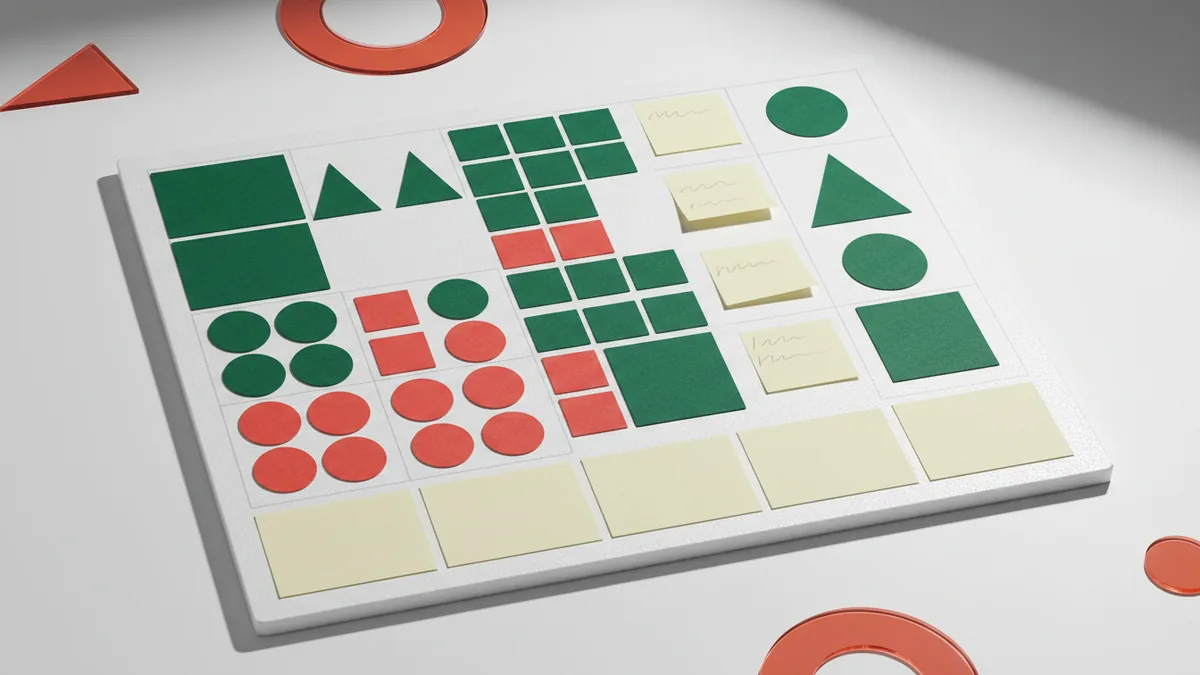
Inspiration should steer style, not copy competitors. A practical way to start is to collect 20–30 references: 8 logos you like for typography, 8 you like for color palettes, and 8 you like for icon shapes. When you review them, write down the repeating patterns (for example: rounded sans-serif, warm orange/cream, simple geometric icons).
Next, map inspiration to your brand’s “traits” list. If your business is modern and minimal, you’ll likely want strong spacing and fewer shapes. If it’s artisanal, you may choose textures or hand-drawn line styles - but keep contrast high so the logo still works at 16×16 pixels.
If you’re stuck, run a quick “shape switch” exercise. Pick one logo you like and try to recreate only its structure: replace the icon with a shape that fits your industry (tool, leaf, building, wave), keep the same number of elements, and change colors to match your brand. This is how you learn what makes a logo feel cohesive.
- Gather 20–30 references
- Tag patterns: type style, colors, icon complexity
- Write a constraints brief: 1–2 colors, 1 icon concept, 2 font styles max
- Sketch 10 mini-concepts on paper or in a notes app
What software for logo design should you use (and when)
Choosing what software for logo design to use is mostly about your end goal: do you need a vector logo, or is a draft fine for now? For many beginners exploring how to make a logo design free, Microsoft Word and mobile tools are accessible. But for crisp scalability, vector tools (like Illustrator) usually win.
Here’s a realistic decision guide based on skill and output needs. If your first requirement is “I need something I can put on a flyer today,” Word or Photoshop can work. If your requirement is “I need the logo to look sharp on signage,” aim for Illustrator from the start.
| Tool | Best for | Limitations |
|---|---|---|
| Microsoft Word | Wordmarks, simple icons, quick drafts | Not ideal for clean vector masters |
| Adobe Illustrator | Vector logos, icons, scalable brand marks | Learning curve; file setup matters |
| Adobe Photoshop | Image-based looks, mockups, texture styles | Scaling can suffer without vector elements |
| Mobile design apps | Fast concepting and resizing | Export options vary; quality depends on settings |
Whatever you choose, keep your process iterative: create a draft, test it at small sizes, and refine spacing. This is how to get better at logo design - by focusing on legibility and composition rather than chasing “perfect” effects.
How to make logo design in Microsoft Word (quick wordmark and simple icons)
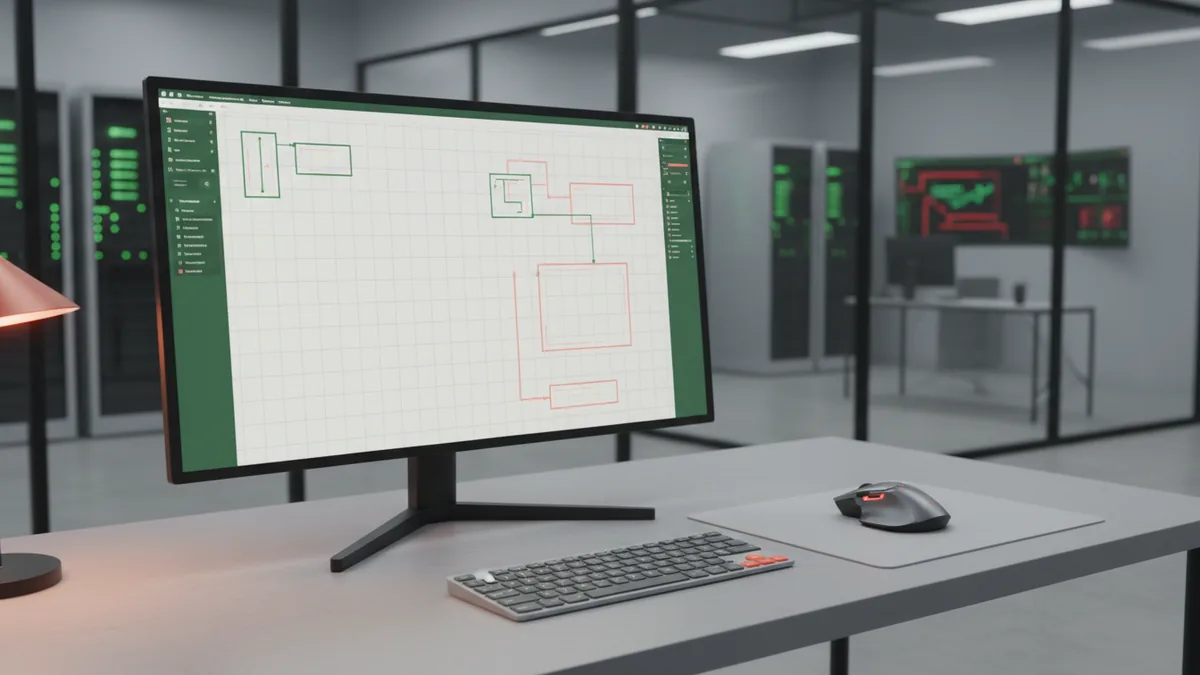
If you’re searching how to make a logo design in microsoft word, you’re probably aiming for a fast, no-install option. Word is surprisingly useful for wordmarks because you can combine built-in fonts, shapes, and basic alignment tools. Start by choosing your logo text (brand name) and locking a font hierarchy: one font for the main name and one for a descriptor (if needed).
To build a simple mark, create an icon using shapes: use rectangles/ovals/lines for a minimal symbol, then group it with the text. Keep the icon to one style - either geometric or organic - so it doesn’t look like a collage. Exporting later matters: if you can’t export vector from Word, you’ll still be able to use PNGs, but save your master in Word while you improve in vector software later if you want.
Practical steps for how to make logo design in microsoft word:
- Open a blank document and set page margins to narrow (for easier scaling).
- Insert text using a bold, readable font for the brand name; add a smaller font for a tagline only if it stays legible.
- Insert shapes for an icon, align it to the text baseline, then adjust spacing by eye and zooming to 100%.
- Group elements so you can move the full logo together.
If you specifically need how to make logo design for business that looks professional, focus on contrast and spacing over effects. A logo with one good font pairing and clean alignment often looks more “brand-ready” than a logo with multiple decorative shapes.
How to make logo design in Adobe Illustrator (vector-ready results)
If your goal is “scalable and crisp,” how to make logo design in adobe illustrator is usually the best route. Illustrator is designed for vector shapes, which means your logo can scale from a website favicon to a printed banner without looking soft. Start by setting up an artboard and building the logo with consistent stroke weights and simple geometry.
Begin with typography. Convert text to outlines only after you’re satisfied with spacing and line breaks, because you’ll lose easy editing afterward. Create an icon using the Pen tool or shape tools, and use the Pathfinder (or equivalent shape combine tools) to unify elements into a single, clean silhouette.
When you’re working on how to make my own logo design, the learning trick is to design in “stages.” First build the silhouette (big shapes), then add internal details only if they improve recognition. Test your design by zooming out to where most users will see it: at small sizes, only strong shapes and spacing survive.
- Use a limited color palette (typically 1–3 colors)
- Ensure readability at 24px width and at least 150px width for clarity
- Prefer simple icons that keep their identity when reduced
- Save an editable master file and export PNG for previews
How to make logo design in Adobe Photoshop (styles, mockups, and texture)
People often ask how to make logo design in adobe photoshop when they want a more visual, image-like style or they’re already comfortable with photo editing. Photoshop can be excellent for exploring color moods, adding subtle gradients, and preparing branded mockups. However, for long-term logo quality, you should still aim for clean edges and simple shapes.
To create a logo in Photoshop, start on a sufficiently large canvas (for example, 2000–3000 pixels on the longer side) so you don’t end up rework later. Create the icon and text using shape layers and text layers where possible - then convert to smart objects if you need flexibility. Use layer styles sparingly; the best logos work even without heavy effects.
If you’re building how to make a logo design free using Photoshop and open-source assets, keep licensing in mind. Only use icons/fonts you’re allowed to commercialize. When in doubt, use your own custom shapes and typography pairing, then refine color and contrast until it reads clearly on both light and dark backgrounds.
- Create background variations (white, black, mid-tone gray) to test contrast.
- Export a small preview (like 256px wide) to check readability.
- Keep the icon and text on separate layers for fast adjustments.
- Save PSD as your editable master.
How to make logo design on mobile (fast iteration and resizing)
Many people need how to make logo design in mobile because they’re starting from a phone and want quick progress. Mobile can work well for drafting: choosing type, building a simple icon, and exporting for social previews. The main risk is inconsistent export quality or limited control over spacing.
For mobile creation, focus on building a logo that works in one or two sizes: profile picture (square) and header (wide). Create your design as a single “lockup” first - brand name plus icon (or no icon). After that, export at high resolution and confirm that letters don’t blur.
If you’re trying to figure out how to make your own logo design for free on mobile, use built-in shape tools and stick to one font family unless the app supports reliable font pairing. Also keep a checklist: contrast, spacing, and simple shapes. That’s the path to a logo that looks intentional rather than “template-like.”
Turn a draft into a great logo: practice, feedback, and revision
Knowing how to make a great logo is less about tricks and more about disciplined iteration. Practice by making 10 quick variations of the same concept: change the font, then change the icon shape, then adjust spacing. Each version should teach you something about recognition and readability, not just look different.
When you ask how do i make my own logo design better, schedule a feedback loop. Send the logo to 3–5 people who match your audience and ask one specific question: “What business do you think this logo belongs to?” If people guess wrong, the problem is usually icon ambiguity, low contrast, or cramped spacing.
Revision should be targeted. Instead of adding effects, improve fundamentals: straighten the baseline, increase whitespace around the icon, and reduce details that don’t scale. This approach also answers how to practice logo design: repeat small, measurable improvements over time.
- Legibility test: zoom out until you can’t comfortably read it, then zoom back in - your goal is “recognizable fast.”
- Consistency test: check the logo in one-color mode (black only) to see if it still communicates.
- Spacing test: keep the icon-text relationship stable across exports.
What if you’re receiving help: how to quote for a logo design
Even if you’re learning, you may eventually hire someone for parts of the work. If you wonder how to quote for a logo design (for your own services or for a request you’ll compare), base pricing on scope: number of concepts, number of revisions, and deliverables. Many disputes happen because “logo design” is vague - clients need to know what they’ll receive.
A clear quote includes: concept count (e.g., 2–4 initial directions), revision rounds (e.g., 2 rounds), and file types. Deliverables matter: at minimum, you want a transparent background PNG for web use, plus a scalable format such as SVG or PDF if vector is used.
If you’re asking for a quote as a buyer, you can also use the same checklist to set expectations. You’re effectively telling the designer what “done” means - so you get a logo you can use immediately on business assets.
| Scope item | What to specify |
|---|---|
| Concepts | How many distinct directions |
| Revisions | How many rounds for refinements |
| Deliverables | PNG (transparent) + vector master (SVG/PDF) |
| Usage | Whether commercial usage is included |
I have a logo design now what? Package it for real-world use
If you already have a logo design and you’re asking i have a logo design now what, the biggest next step is packaging and testing. Prepare versions for dark and light backgrounds, and ensure you have both a horizontal lockup and a stacked alternative if your brand name changes length. This is what turns a “draft” into something that works across platforms.
Create a small asset set: one-color version, reversed version, and favicon-sized export. For most business needs, you’ll want at least PNG for web, plus a master file format you can edit later. Keep your colors consistent by storing the palette you used, even if it’s a basic two-color system.
As you move forward with how to make name logo design work (especially if you’re using initials or stylized lettering), remember that naming variations should be supported. If your logo includes a tagline, test it separately: at small sizes, taglines often disappear or become clutter.
- Make: transparent PNG, one-color, reversed-color, and vector master
- Test: small sizes (profile icon) and large sizes (banner mockup)
- Store: a simple “logo brief” document with fonts/colors you used
FAQ
- How to make logo design free if I don’t have design software?
- Start with Microsoft Word or a mobile design app to draft a wordmark and simple icon, then refine later. Focus on strong type pairing, spacing, and contrast so the draft already looks usable.
- Can I make a logo design in Microsoft Word?
- Yes for wordmarks and simple geometric marks. Use shapes and alignment tools, group elements, and export high-resolution PNGs for previews.
- What software for logo design is best for a scalable logo?
- Adobe Illustrator is typically best because it creates vector artwork that scales cleanly. If you use Photoshop, keep edits clean and prioritize simple shapes for legibility.
- How do I make my own logo design without copying?
- Collect references, then translate them into traits like font style, color palette, and icon structure. Create mini-sketches that preserve composition ideas but change the icon and proportions.
- How to quote for a logo design when I’m hiring or selling design work?
- Specify scope: concept count, revision rounds, and file deliverables (transparent PNG plus vector master if applicable). That prevents misunderstandings about what “done” means.
- I have a logo design now what files should I create?
- Prepare light and dark background versions, one-color and reversed versions, and the smallest usable export. Also keep an editable master file so you can update the logo later.