How to Make a Round Logo: Design Guide + Canva Steps
Learn how to design a round logo with clear steps and Canva instructions, including layout tips, color theory, and common mistakes to avoid.
Understanding Round Logos
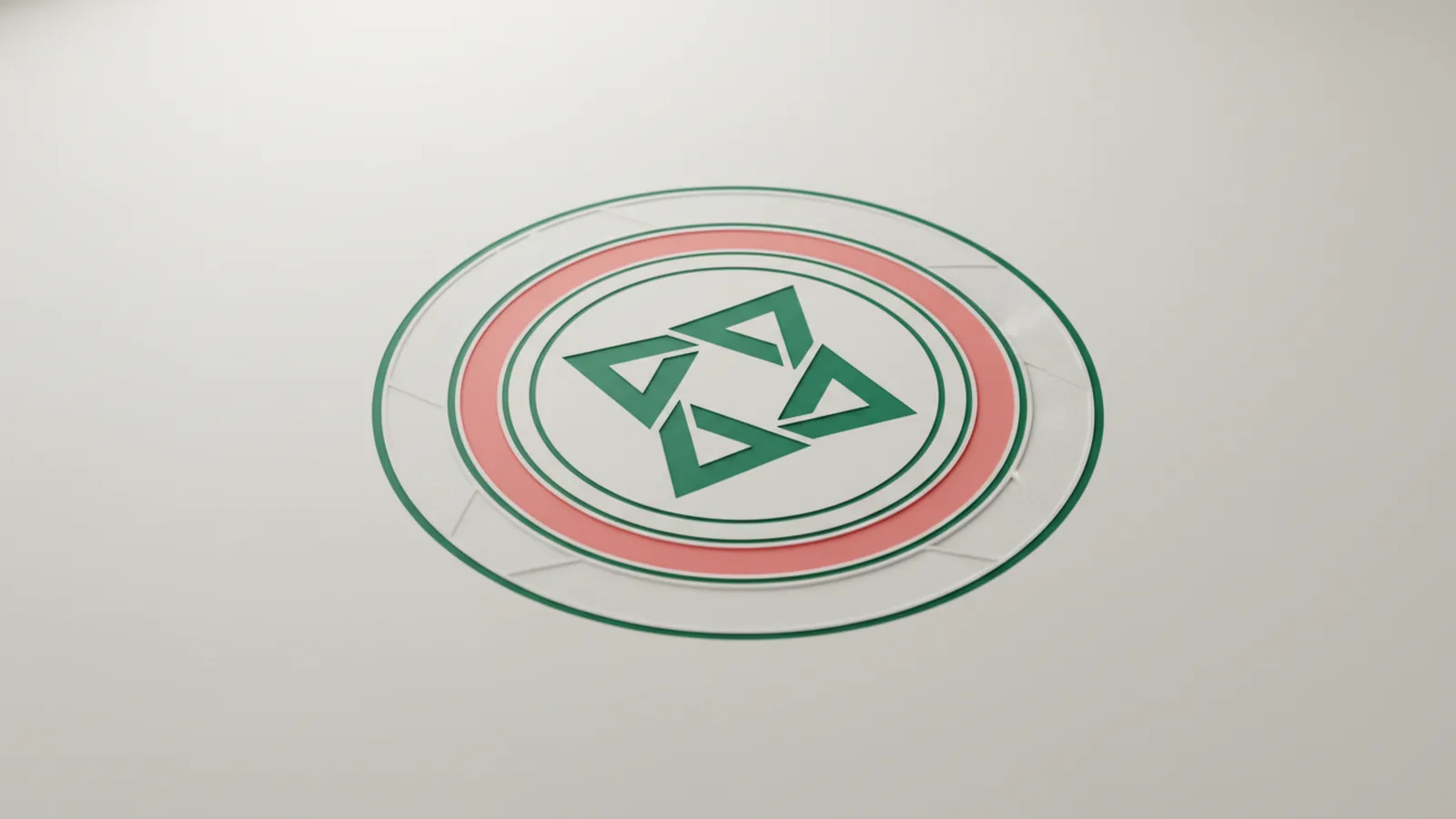
A round logo is a brand mark built inside a circular boundary - either fully circular or composed so the overall silhouette reads as a circle. It often includes a centered icon, ringed text, or a combination of an inner emblem plus an outer border. Because the eye naturally follows circular shapes, a well-designed round logo usually feels cohesive and memorable even at small sizes.
In practical terms, a round logo usually has three visual jobs: it organizes information (icon + text), it creates a strong silhouette for recognition, and it provides a consistent frame for branding elements. The defining characteristic isn’t just “everything is circle-shaped,” but that your layout, spacing, and typography are balanced around the curvature of the circle.
Benefits of a Round Logo
Round logos are popular in branding because they imply wholeness, continuity, and community. That emotional association can be useful for businesses that want to feel established and reliable - think local organizations, sports clubs, bakeries, and wellness brands. The circular shape also works well for badges and seals, which can make a logo feel earned rather than temporary.
From a design standpoint, circles are forgiving: even if you reduce size, the silhouette often stays recognizable. A round logo can also create natural hierarchy - center icon for quick identification, then secondary text arranged around the ring. This structure helps when you need to show a brand name, tagline, or category without crowding the design.
Step-by-Step Design Process
Before you open any graphic design software, decide what your round logo must communicate. Start by writing a one-sentence brand description and listing three branding elements you want included, such as an icon, brand name, and a simple tagline (optional). Then decide how “literal” you want the icon to be: minimal geometric symbols usually scale better than detailed illustrations.
Next, apply core logo design principles. A logo should have clear contrast, consistent stroke or line weight (if you’re using icons), and typography that’s legible at multiple sizes. Plan for the circle as a container: your icon should sit in the visual center, while any ring text should follow the curvature without becoming too small or too spaced out to read.
- Define purpose and use cases: where will the logo appear (website header, social avatar, packaging)?
- Collect references: save 5–10 round logos you like, then note what you want to reuse (ring text, emblem style, color palette).
- Sketch 3–5 layouts: center icon only, icon + top/bottom text, icon + full ring text, and badge-style variations.
- Choose a limited palette: 1–2 primary colors plus neutral(s) keeps the design consistent.
- Select fonts carefully: prioritize readability over novelty, and match font personality to the brand.
- Finalize proportions: ensure the icon, text ring, and margins feel balanced within the circle.
Using Canva for Round Logos
Canva is a practical option if you want to move quickly, experiment with layout, and export a clean logo file. For how to create a round logo in canva, the key is to set up the circular frame first, then place your icon and type while keeping spacing consistent. You can design from scratch or start with a design template, but you should still control the layout so the result matches your brand.
Here’s a detailed, hands-on workflow for how to make a round logo in canva (or how to design a round logo). The steps assume you’re aiming for a clean, scalable mark suitable for online and print:
- Create a new design: open Canva and choose a custom size or “Logo” style starting point.
- Add a circle frame: use the Elements or Shapes area to insert a circle. Position it as a container for your logo.
- Set up background properly: decide whether the logo is on a solid color, white, transparent-like background (export with transparency if available), or a simple outline circle.
- Add your icon: choose an icon that matches your brand (simple, bold, and scalable). Place it in the center of the circle.
- Add text: add your brand name text and any supporting text. Use a font selection that stays readable when scaled down.
- Apply circular text layout: in Canva, use the text effects or tools that support curved text (often labeled as curve text or text on path). Adjust the curve so the letters follow the circle smoothly.
- Adjust spacing and alignment: tune letter spacing, font size, and the radius of the curved text to ensure the full text remains legible.
- Choose colors: apply color theory thoughtfully - use one accent color for emphasis and keep the rest consistent. Make sure text and icon contrast strongly against the background.
- Refine proportions: zoom out to check balance. The circle edges should not feel cramped; leave a margin so the logo doesn’t look “stuck” to the border.
- Export correctly: download in formats that preserve quality, such as PNG for online use or SVG/transparent options where available for crisp scaling.
If you prefer “from scratch” but still want speed, you can build using a few graphic design software-style habits inside Canva: keep layers organized, use consistent alignment guides, and avoid stacking too many effects (shadows, gradients, heavy outlines) that can reduce clarity. A round logo should look intentional at a glance, not like a collage of features.
Suggested elements to include
Round logos usually include one or more branding elements, but you don’t need everything. Choose elements that support recognition and readability. Below are common options and when they work best.
| Element | What it does | Best practice |
|---|---|---|
| Text (brand name) | Primary identification | Use legible font selection and avoid overly thin strokes |
| Ring text (curved) | Creates “seal” feel and hierarchy | Keep it large enough to read on small avatars |
| Central icon | Fast recognition at a glance | Use simple shapes; prioritize silhouette over details |
| Colors | Brand consistency and contrast | Limit to a small palette; test contrast for accessibility |
| Outline or inner border | Defines the circular structure | Use a consistent stroke weight and spacing from the content |
When you’re deciding what to include, think about the “small size test.” If the logo will appear at 32×32 pixels (common for social avatars), prioritize the central icon and the largest text. Curved text can work, but it must remain readable - if it becomes thin or cramped, consider simplifying to a single line of straight text inside the circle.
Tips for Effective Logo Design
Great round logos balance geometry with brand personality. Start with color theory: choose colors that represent your brand while maintaining strong contrast between text and background. If you’re using multiple colors, assign one to the icon and one to the text ring, then use neutrals for outlines or spacing.
Next, focus on font selection. For curved text, fonts with consistent letter widths usually behave better, while very decorative scripts can become unreadable when stretched along a circle. For the center area, bold sans-serif or clean serif fonts often look professional - especially when you keep letter spacing moderate.
Finally, test your design in context. Create a quick preview: place your round logo in a mock header or circle avatar to see whether it holds up. If the logo looks great at full size but collapses when small, the issue is usually either overly detailed icons, cramped ring text, or insufficient contrast.
- Use the silhouette test: squint at the logo; if you can still recognize the icon and structure, you’re on the right track.
- Keep stroke and shape consistency: icons and outlines should share a similar visual weight.
- Limit effects: avoid heavy gradients and multiple shadows that blur on small renders.
- Maintain safe margins: keep text slightly away from the circle edge to prevent “touching” at export sizes.
Common Mistakes to Avoid
The most common round logo problems come from trying to fit too much information into the circle. Curved text is especially prone to readability issues: if the arc is too tight or the font is too small, letters become hard to distinguish. Another frequent mistake is using inconsistent icon styles - mixing thin-line icons with bold filled shapes often creates a mismatch.
Another pitfall is poor contrast. A round logo may look fine on a white Canva canvas but become low-contrast on dark backgrounds or colored packaging. Always check how the logo looks in both light and dark contexts, and ensure that your text remains crisp and high-contrast against the background.
- Overcrowding the ring: too many characters or too small curved text makes the logo unreadable at small sizes.
- Unbalanced spacing: uneven margins make the circle feel “off-center,” even if everything is technically aligned.
- Using overly detailed icons: fine details disappear when the logo shrinks.
- Inconsistent typography styles: mixing fonts without a plan reduces cohesion.
- Ignoring export quality: exporting too small or only as a low-resolution image can ruin sharp edges.
Finalizing Your Round Logo
Finalizing a round logo means preparing it for real use, not just a pretty screen view. Do a last pass on proportions: confirm the icon is centered, ring text follows the arc smoothly, and the outer border (if included) doesn’t compete with the content. Then check legibility at multiple sizes - especially small avatar size.
When you’re ready, export in formats that match your use cases. For online use, PNG with a transparent background (if available) is often convenient. If you need crisp scaling for print or responsive layouts, prioritize vector export options (like SVG) where Canva supports them for your project.
Finally, store your design template thoughtfully so future updates are faster. Keep a “source” version with editable elements and organized layers, and consider creating a simplified variant (icon-only) for tiny spaces. With those final steps, your how to make a round logo process becomes repeatable - and your branding stays consistent over time.
Featured note for internal linking: If you’re also building a full brand system, you’ll typically benefit from a consistent set of colors, typography rules, and logo lockups that work together.
FAQ
- What exactly is a round logo?
- A round logo is a brand mark designed within a circular boundary, usually combining a central icon and surrounding text or borders. The key is that the overall silhouette and spacing feel balanced as one unit.
- Why do brands choose a round logo?
- Round logos can feel cohesive and memorable, and they often work well as badges or seals. The circular silhouette also tends to remain recognizable when scaled down.
- What logo design principles matter most for round shapes?
- Focus on hierarchy (center icon first), consistent visual weight, and strong contrast. Also treat the circle as a container: keep margins and spacing consistent so curved text doesn’t become cramped.
- How do I create a round logo in Canva step by step?
- Start by adding a circle or frame, then place your icon in the center, add your text, and use Canva’s curved-text tools to follow the circle. After that, fine-tune spacing, colors, and export in crisp formats.
- What should I include in a round logo—text, icons, or colors?
- Most round logos include a centered icon and a brand name, with optional curved ring text and a simple color palette. Keep the number of elements small so it stays readable at small sizes.
- What are common mistakes when designing a round logo?
- Avoid overcrowding the ring text, using overly detailed icons, or choosing low-contrast colors. Also make sure fonts remain legible after export and don’t rely on effects that blur when scaled down.